

Desktop Computer Repair Dundee
Desktop no’ switching on? Blue screen of death? Random crashes driving you mental? We fix hardware failures, software problems, and performance issues at our Perth Road workshop. Full diagnostic included, and we’ll tell you exactly what it costs before we start.
 Google Reviews


Is your desktop computer or tower PC letting you down at the times you need it most? Let’s say you’re in a hurry to finish an important project for work, uni, or whatever, and with no warning your screen goes black. Or maybe you push the power button and nothing happens. No sound of fans starting up, just silence when there should be the familiar hum of your computer coming to life.
From those unexpected crashes and annoyingly slow performance to mysterious error messages that stick their noses in up at the worst possible times, desktop computer problems can disrupt your entire day. Whether it’s the dreaded blue screen of death or a PC that simply refuses to start, these issues never seem to happen at a time convenient for you.
“We’re owned and run by local people who have been in the computer repair business for over twenty years.”
At Repair Alliance, we provide professional desktop computer repair services throughout Dundee, Angus and north-east Fife. We help local residents, businesses and university students get back to work quickly and reliably. Our expert technicians understand that your desktop computer is important to you- it’s your connection to work, family photos, important documents, and daily life. When it stops working, everything else grinds to a halt.
That’s why we’ve built our reputation on being the repair service Dundee folks can count on. We’re owned and run by people who’ve been in the local computer repair business for over twenty years, and our workshop in Perth Road- in the West End of Dundee, within walking or car distance of the city centre- continues that history. So we know exactly what it’s like for our customers when their desktop, tower or home theatre PC or Apple Mac fails them.
This page will walk you through everything you need to know about desktop computer repair in Dundee- including the common problems we can fix, what to expect during the repair process, and how to choose the right repair service. You’ll also discover simple steps to prevent future issues and when- and why- it makes sense to repair versus replace your desktop computer. By the time you’re done reading, you’ll know exactly what to do the next time your computer feels like throwing a tantrum!
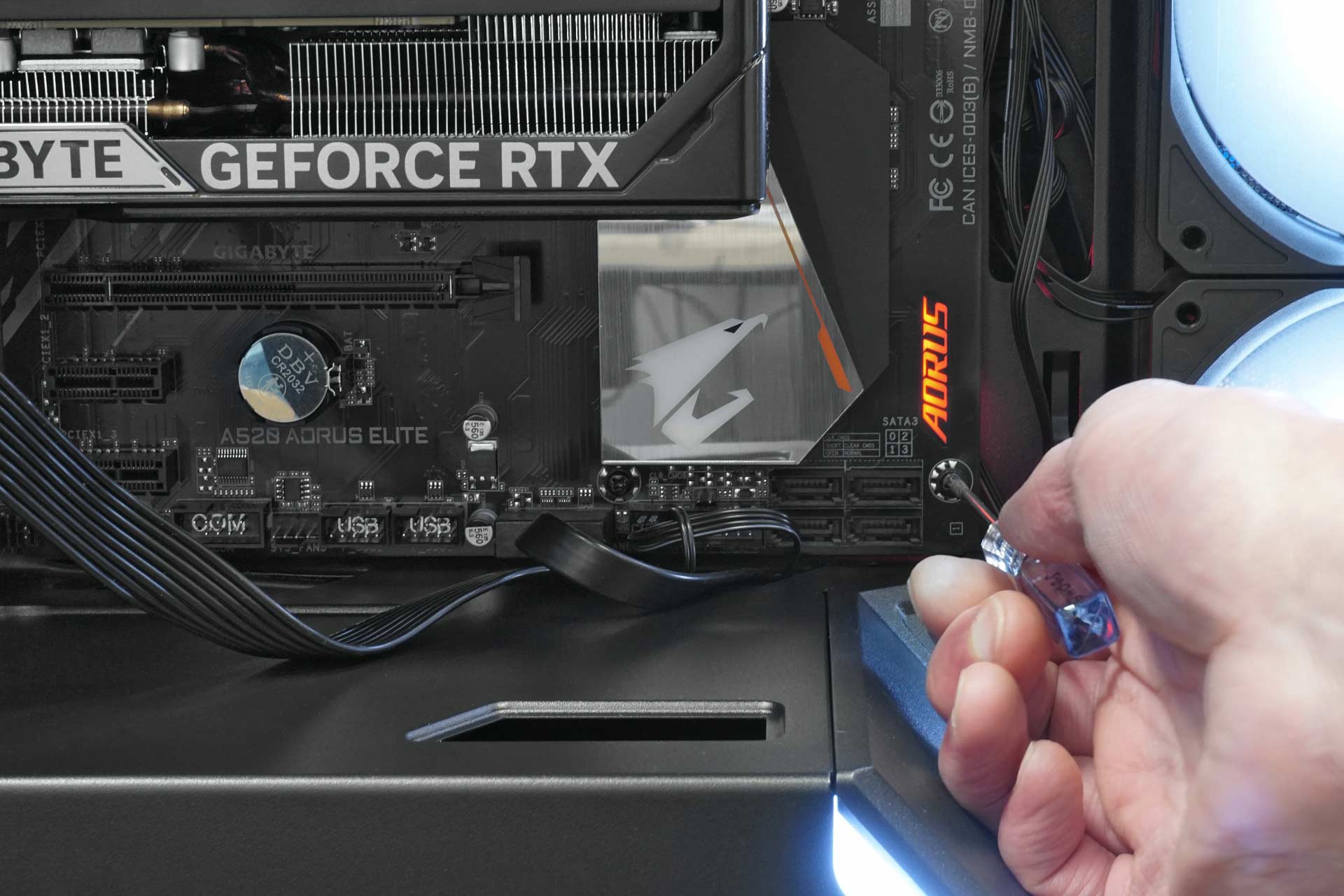
What should I do when my desktop computer won’t start?
When your desktop computer won’t start, follow these steps:
- Check power connections – Make sure all cables are securely connected to both the computer and wall outlet. Sometimes they work loose over time.
- Test the power outlet – Try plugging another device into the same outlet to confirm it’s working. You’d be surprised how often it’s just a tripped fuse.
- Listen for unusual sounds – When you press the power button, note any beeping, clicking, or fan noises that are out of the ordinary. These sounds can tell us a lot about what’s going wrong.
- Check for lights – Look for any LED indicators on the computer case or power button. Even a small light can give us clues.
- Try a different power cable – If you’ve got one lying around, swap the power cord with a working one from another device.
- Remove external devices – Disconnect USB drives, printers, and other peripherals, then try starting again. Sometimes these can cause conflicts.
- Contact the professionals – If none of these steps work, the issue likely requires expert diagnosis. That’s where we come in.
Common Desktop Computer Problems We Fix in Dundee
We’ve seen just about every desktop computer problem you can imagine here at our Perth Road workshop. Some weeks it feels like every computer in Dundee decides to break down at once! Here’s the type of things we fix most often:
Hardware Issues
- Hard drive failure / SSD failure – This is the big one that gets everyone worried. Your hard drive stores everything, so when it starts failing, you might hear clicking sounds or get error messages about missing files. The good news? We can often recover your data even from drives that seem completely dead. SSDs can go faulty too, but usually do so suddenly without any noise or warning. Visit our hard drive and SSD data recovery services page to find out more.
- RAM problems – When your computer’s memory goes bad, you’ll see random crashes, blue screens, or programs that just stop working. Sometimes your computer won’t even get past the startup screen.
- Power supply issues – If your desktop won’t turn on at all, or it randomly shuts down, your computer’s built-in power supply might be on its way out. These units work hard every day and even a good-quality PSU won’t last forever. The power supply is also one of the first corners to be cut by manufacturers trying to keep down the cost of a PC, and cheaper no-name PSUs are especially prone to failure, causing problems and even damage.
A wee business on the Perth Road brought in their office PC – wouldnae switch on at all. Turned out to be a dead power supply that had also damaged the motherboard. We replaced both, recovered all their data, and had them back up and running in 3 days. They’ve sent us 4 more customers since.
Software Problems
- Virus infections – Despite what some people think, desktop computers still get viruses. They can slow everything down, steal your information, or completely lock you out of your own computer.
- Operating system crashes – Windows can get corrupted over time, especially after failed updates or sudden power cuts. When this happens, your computer might not start properly or crash repeatedly.
- Driver conflicts – When different pieces of software or hardware don’t play nicely together, you get crashes, freezing, or devices that just stop working.
Performance Issues
- Slow startup – If your computer takes forever to boot up, it’s usually because too many programs are trying to start at once, or your hard drive is getting full.
- Freezing – Random freezing can be caused by overheating, failing hardware, or software conflicts. It’s frustrating when you lose work because everything just stops responding.
- Overheating – Desktop computers can get pretty hot, especially if they haven’t been cleaned in a while and the fans or cooling fins get blocked and stop them working properly. When computers overheat, they’ll slow down or shut down to protect themselves.
Gaming and High-Performance Desktop Issues
- Graphics card problems – If you’re a gamer or work with graphics, your video card is working overtime. When it starts failing, you’ll see visual glitches, crashes during games, or your monitor might not display anything at all.
- Cooling issues – High-performance computers generate more heat, and if the cooling system can’t keep up, performance suffers. We often find dust-clogged fans and cooling fins or failing water cooling systems.
- Performance optimisation – Sometimes your gaming PC just isn’t running as well as it should. We can tune it up to get those frame rates back up to being nice and smooth again.
Our technicians have been fixing these problems for years, and we keep detailed records of what we see. Hardware issues make up about 60% of our repairs. Software problems account for another 30%, and the rest are usually performance-related issues that just need a good cleanup and tune-up.
Desktop playing up? Drap it in and we’ll run a full diagnostic. Nae appointment needed.
Call UsOur Desktop Computer Repair Process
We know bringing your computer in for repair can feel a bit nerve-wracking – after all, it’s got all your important stuff on it. That’s why we’ve designed our process to be as straightforward and transparent as possible.
Diagnosis and Quote
To start with, we’ll take a proper look at what’s wrong with your desktop. When you bring your desktop, tower or all-in-one computer to our store on the Perth Road, one of our technicians will run through a full diagnostic check. We’re not talking about a quick glance – we’ll test the hardware, check the software, and figure out exactly what’s causing the problem.
“We start with a full diagnostic check, source components from trusted sources and always make sure you’re happy before going ahead with a repair.”
Once we know what’s wrong, we’ll explain it to you in plain English (none of that techie jargon that nobody understands) and give you a clear quote for the repair. No surprises, no hidden costs that magically appear later.
Professional Repair with Quality Parts
If you give us the go-ahead- and we’ll always confirm that first- we’ll set to work fixing your desktop computer properly. We don’t cut corners with cheap parts that’ll fail again in six months – we use quality components that are built to last. Whether it’s a new hard drive or SSD, replacement RAM, or a new power supply, we source parts from reliable suppliers we know that we can trust.
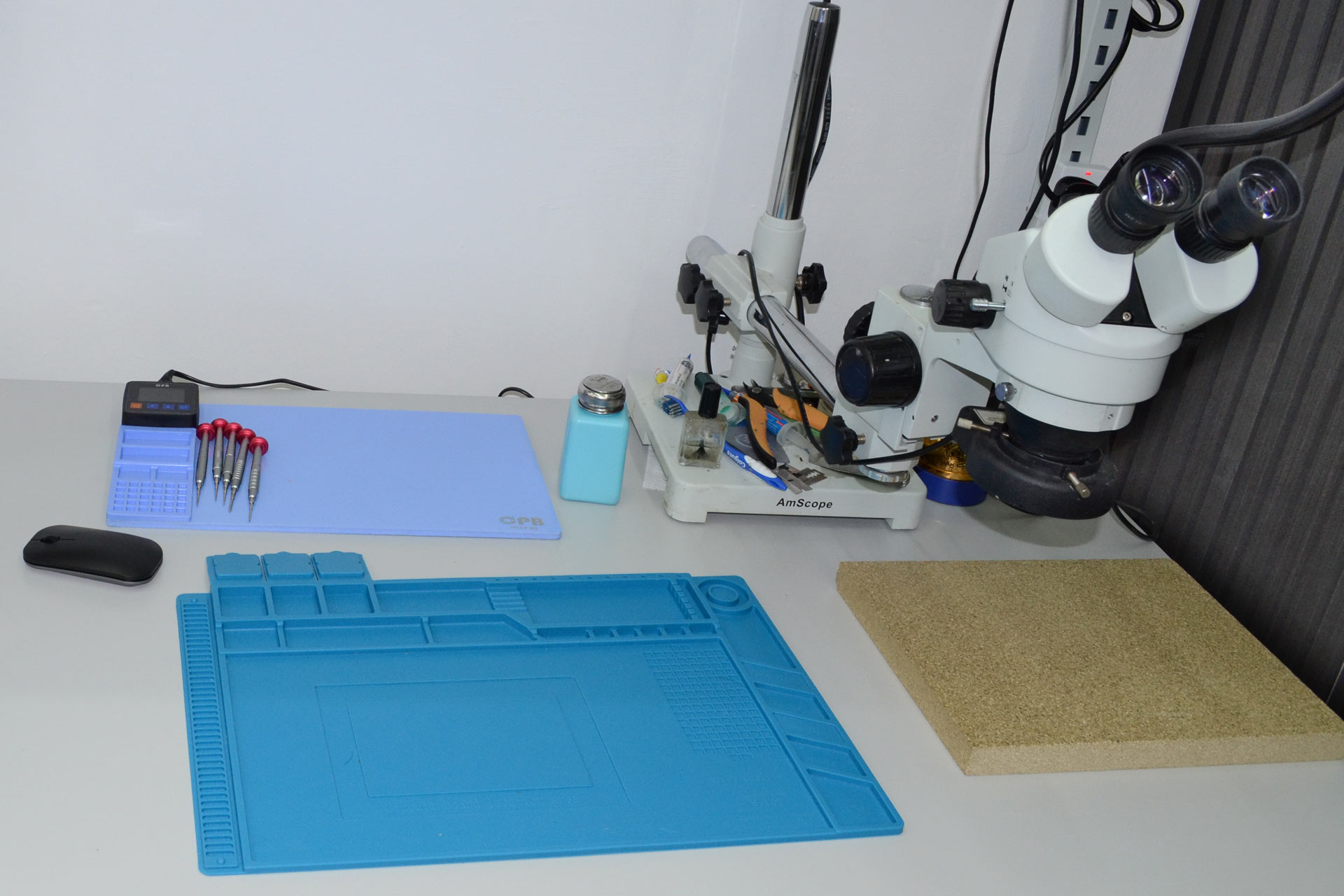
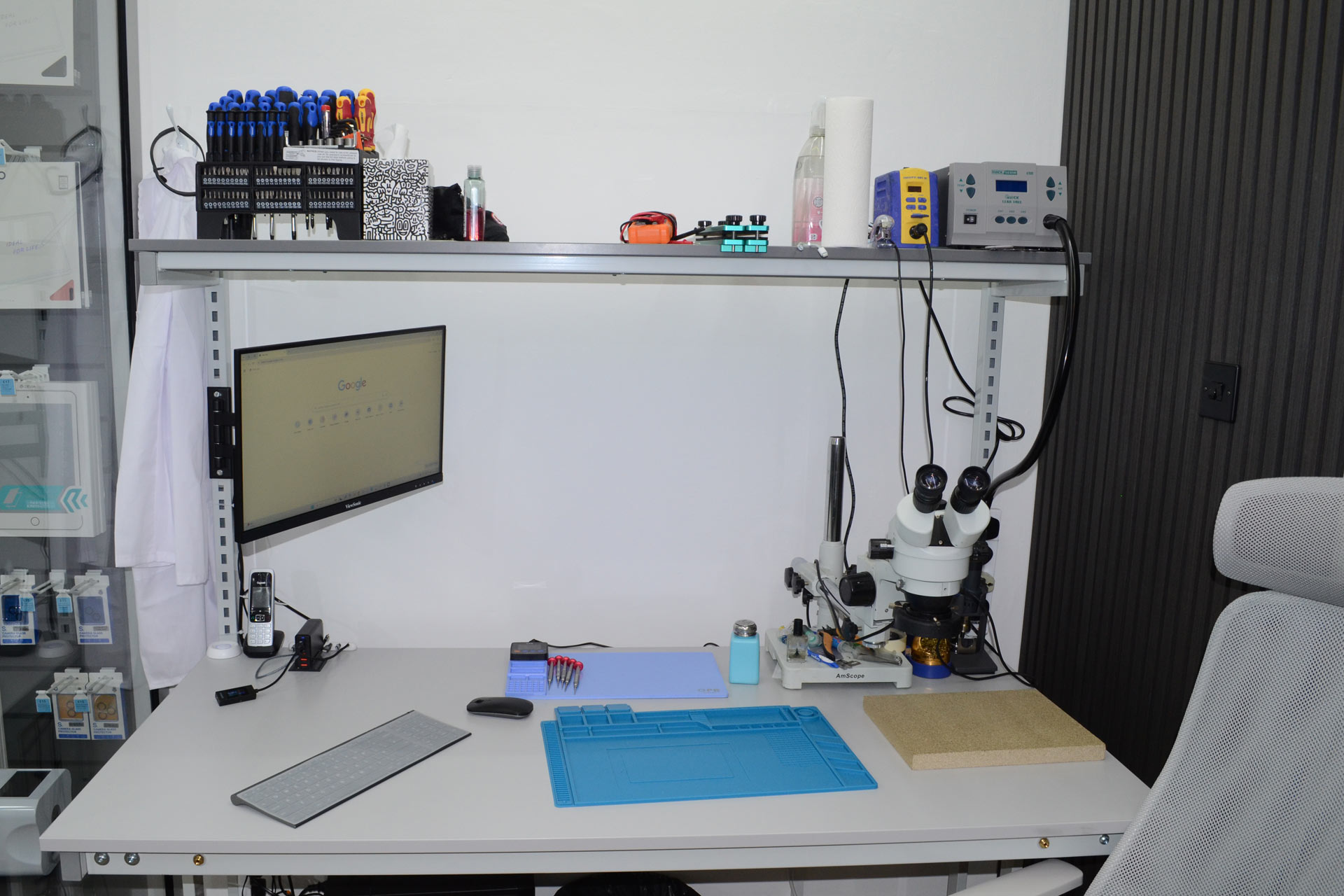
Our technicians have the experience and tools to handle everything from simple software fixes to complex hardware replacements. We’ve got a fully equipped workshop with all the diagnostic equipment we need to get your desktop running like new again.
Testing and Quality Assurance
This is the part that makes us stand out from many rival “quick-fix” computer repair shops- we won’t simply fix the problem and hand your computer back. Before you collect it, we run extensive tests to make sure everything’s working properly. We’ll stress-test the hardware, check all your programs are running correctly, and make sure the repair will actually last.
If we’ve recovered data from a failing drive, we’ll verify that all your files are intact and accessible. If we’ve cleaned out a virus infection, we’ll make sure your system is properly protected from the time it leaves the shop.
How long repairs take depends on what’s wrong and what parts we need to order in. Simple software fixes can often be done the same day, while hardware replacements might take a bit longer if we need to source specific components. (One important thing is that we know where to locate hard-to-find replacement components, particularly for older computers).
We’ll give you a realistic timeframe when we diagnose the problem- there’s no point in making promises we can’t keep.
We back all our work with a solid guarantee, so if something goes wrong with the repair, just bring it back and we’ll get it sorted out. We’ll explain all the guarantee details when you drop your computer off so you know exactly what’s covered.
Local customers tell us they appreciate knowing exactly what to expect, and that’s what it’s all about- keeping the customer informed. No mysteries and no waiting around wondering what’s happening with your computer.
Repair vs Replace: Making the Right Decision
This is probably the question we get asked most: “Is it worth fixing, or should I just buy a new one?” It’s a fair question, and the answer isn’t always obvious. Let’s break it down so you can make the right choice for your situation.
When Repair Makes Sense
- Your desktop computer is less than five years old – Nowadays computers don’t go out-of-date as quickly as they used to. If your machine is relatively recent, a repair will usually get you several more years of good service.
- The problem is isolated – If there’s just one component that’s failed (such as a hard drive or power supply), replacing that part is almost always cheaper- and less hassle- than buying a whole new computer.
- You’re running specialised software – If you’re running expensive programs that would need to be repurchased or re-licensed on a new machine- or which might not work at all on a newer computer- repair starts looking very attractive.
- Your data setup works perfectly – When you’ve got everything organized just the way you like it, starting fresh on a new computer means hours of setup time.
- The repair cost is under half the replacement cost – As a rule of thumb, if fixing your desktop costs less than 50% of what you’d spend on a comparable new machine, repair is usually the smart choice.

When Replacement is Better
- Your computer is over seven years old – At this age, even if we fix the current problem, other components are likely to start failing soon. You might end up paying for multiple repairs in future.
- Multiple major components have failed – If your motherboard, processor, and graphics card all have issues, you’re looking at essentially rebuilding the entire computer.
- Performance no longer meets your needs – If your computer was struggling even before it broke down, a repair won’t magically make it faster for modern software.
- Repair costs approach new computer prices – Sometimes the parts needed are so expensive that you’re better off putting that money toward a new machine.
We’ll always give you an honest assessment of whether repair makes financial sense for your particular case. Sometimes we’ll recommend replacement if we think it’s in your best interests, even though it means less business for us.
Why Choose Repair Alliance for Desktop Repair in Dundee?
When your desktop computer breaks down, you’ve got choices. So why should you bring it to us instead of one of the other repair shops in the Dundee area?
Local Expertise and Community Trust
We’re not some faceless chain or fly-by-night operation – we’re owned and run by local people who have been in the computer repair business for over twenty years. We’re right here on Perth Road, and we’re part of the local community. Our technicians all live in or around the Dundee area… so when we say we understand what local customers need, we mean it.
You’ll find us helping NHS workers get their home computers sorted for remote work, fixing gaming rigs for university students, and keeping local businesses running when their desktop systems go down. We know how frustrating computer problems can be because we deal with them every day, and we’ve built our reputation on actually solving them properly.
Being local means we’re accountable to our community. Word travels fast in a small city the size of Dundee, and we’ve worked hard to earn the trust of our customers. When your neighbour recommends us, or you see us helping another local business, that’s the kind of reputation you can’t buy.
Transparent Pricing and No Hidden Fees
When we give you a quote, that’s what you’ll pay. Simple as that. We’ll break down exactly what the repair involves and what each part costs, so you know where your money’s going. If we discover additional problems while we’re working on your computer, we’ll call you first before doing any extra work. We’ll give advice, but ultimately it’s up to you to decide whether something’s worth it or not- your authorisation, your choice and your budget!
You’ll know the full cost upfront, with no surprise charges when you come to collect your desktop.
Quality Guarantees and Aftercare
Anyone can say they’ll fix your computer, but what happens if the repair doesn’t last? We stand behind our work with proper guarantees because we’re confident in what we do.
All our repairs come with warranty coverage, and we use quality replacement parts that are built to last. If something goes wrong with work we’ve done, just bring your desktop back and we’ll put it right. No arguments, no excuses.
That said, our support usually goes beyond the hard-print of the warranty. We’re here if you need advice about keeping your desktop running smoothly, or if you’re not sure about something that’s happening with your computer after the repair. A quick phone call can often save you a trip back to the workshop.
Our team has the relevant technical expertise and stays up to date with the latest computer technologies. Ultimately, it’s not merely about fixing the computer itself, it’s solving the problems of people who need their technology to work reliably so that they can work reliably.
The proof is in our customer feedback, the fact that people keep coming back to us when they need help and- most importantly- that they often send their friends and family our way too.
That’s the kind of trust you earn by doing good work consistently.
Need your desktop sorted? Most software fixes done same day. Hardware repairs 1-5 days. Gee’z a shout.
Call Us