



How Do You Know Your Battery Needs Replacing?
Batteries wear out over time. Every charge cycle takes a tiny bit of capacity away, and after two or three years most phone batteries are noticeably worse than when they were new.
A charge cycle is one full discharge and recharge of the battery. It doesn’t have to happen all at once. If you use 50% today and charge it back up, then use 50% tomorrow and charge again, that counts as one cycle. Most phone batteries are rated for around 500 to 800 cycles before they start losing serious capacity. Apple recently improved this: iPhone 15 and later are designed for 1000 cycles before dropping to 80%, double the 500-cycle target on iPhone 14 and earlier. If you’ve got an iPhone 15 or newer, the battery should last longer before needing replacement. Heavy users who charge their phone every night will hit that within two years. Lighter users might get three.
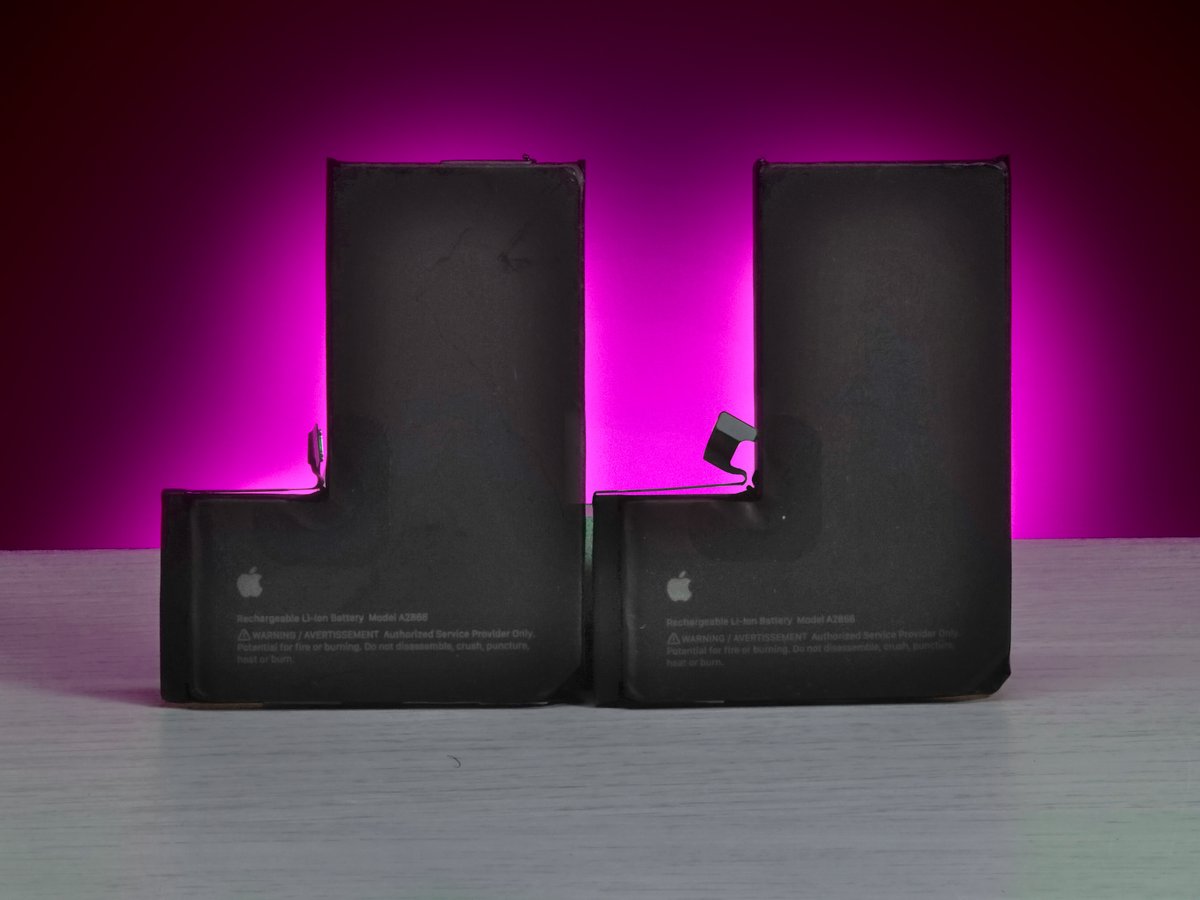
- Phone doesn’t last a full day on a single charge when it used to
- Battery percentage jumps around or drops suddenly (40% one minute, dead the next)
- Phone shuts down on its own, especially in cold weather
- Takes much longer to charge than it used to
- Phone gets unusually hot during normal use, not just gaming or video
- Battery Health shows below 80% (iPhone users can check this in Settings > Battery > Battery Health)
For Android phones there’s no built-in battery health check on most models, but we can test it with our diagnostic software and give you an exact reading.
Worth knowing: fast charging is convenient but it does wear batteries down quicker than slow charging. The higher voltage and heat generated during fast charging accelerates the chemical degradation inside the cells. If you’ve been using fast charging every day for two years, your battery has taken more punishment than someone who charged slowly overnight. It’s not a reason to stop using fast charging, but it explains why some folk notice their battery degrading sooner than expected. On iPhones, turning on Optimised Battery Charging in Settings > Battery > Battery Health helps. It learns your routine and limits charging to 80% until just before you normally unplug, reducing wear on the cells.
Cold weather is another one. If your phone dies when you’re out in the cold but works fine once you get back indoors, that’s not necessarily a dead battery. Lithium-ion batteries struggle in low temperatures because the chemical reactions slow down. The phone thinks there’s less charge available than there actually is. If it only happens in winter, you might not need a replacement at all. But if the cold weather shutdowns are happening alongside the other signs on this list, the battery is probably on its way out and the cold is just finishing it off.
One more thing to rule out before assuming the worst: apps running in the background. A rogue app constantly refreshing in the background can hammer your battery life without you realising. Check your battery usage in settings and see if anything is using a disproportionate amount. If one app is chewing through 30% or 40% of your battery, that’s your problem, not the battery itself. We can check this for you too.
One thing to watch out for: if your phone case feels tight, the screen is lifting slightly, or the back of the phone is bulging, that’s a swollen battery. Don’t ignore it. A swollen battery can crack the screen from the inside or damage other components. Bring it in and get it sorted before it gets worse.
How We Replace Your Phone Battery
Walk in, tell us your phone’s been dying fast, and we’ll check your model and quote you on the spot. No booking, no waiting for a callback.
Before we start, we run your phone through our diagnostic software. It gives us the exact battery health percentage, cycle count and charging performance. You can see the numbers yourself. If the battery is fine and something else is draining it (a rogue app, a software issue), we’ll tell you and save you paying for a battery you don’t need.

The adhesive removal is one of the trickiest parts. Most phone batteries are held down with pull tabs, thin strips of adhesive that stretch and release when pulled correctly. When they snap (and they do snap sometimes), we use controlled heat and isopropyl alcohol to soften the remaining adhesive and work the battery out without bending or puncturing it. Patience matters here. Rushing adhesive removal is how batteries get damaged.
While the phone is open and the battery is out, we inspect the battery connector and the surrounding components. We check the connector pins for corrosion or damage, make sure the ribbon cables nearby are intact, and look for any signs of liquid exposure or heat damage that could affect the new battery’s performance. If we spot anything, we’ll tell you before going any further.
Once the new battery is in, we run the same diagnostic tests again. Battery health reads correctly, charging works, no overheating. You can see the before and after results yourself.
After fitting, we recommend letting the phone charge to 100% and then using it normally until it drops to around 10-15% before charging again. This first full cycle helps the battery calibrate with the phone’s power management system so the percentage readings are accurate from day one. It’s not essential, but it gives you the most reliable readings going forward.
Your data stays completely untouched. A battery replacement doesn’t affect your photos, messages, apps or settings. Everything will be exactly where you left it.
Most battery replacements are done within the hour. We’ll give you a realistic timeframe when you drop it off.
Old batteries are disposed of safely through proper recycling channels. Lithium-ion batteries can’t go in the bin. They need specialist handling to prevent fire risk and environmental contamination. We collect them and send them off for recycling through certified waste handlers.
Battery dying? Walk in or gee’z a call and we’ll check it for you.
Call UsiPhone Battery Replacement Dundee
We replace batteries on every iPhone model from the iPhone 7 right through to the latest iPhone 17 range. The models we see most are the iPhone 11, 12, 13 and 14. Phones that are two to four years old and the batteries are starting to give up.
If your iPhone’s Battery Health is showing below 80%, Apple is already throttling your phone’s performance to protect the degraded battery. A new battery brings back full speed and a full day’s charge. Below 70% you’ll really feel it. Apps take longer to open, the camera is slower, and the phone just feels sluggish overall. That’s not the phone ageing, that’s Apple deliberately slowing the processor to stop the weak battery from causing shutdowns.
We offer two battery options for iPhones:
- Aftermarket battery – brand new, identical spec to the original Apple battery. Works perfectly. The only catch is Apple’s pairing system means it won’t calibrate, so you’ll see a warning message in Settings. It shows up under Battery Health as “Unknown Part” and you won’t get a battery health percentage reading. The battery itself works fine, charges fine, lasts all day. It doesn’t affect performance or safety in any way. It’s just Apple’s way of flagging that the part wasn’t fitted by them or an authorised service provider.
- Pulled original battery (95-99% health) – these are genuine Apple batteries removed from handsets that were recycled for other reasons. Cracked screens beyond repair, water damaged boards, trade-ins where the phone itself wasn’t worth fixing but the battery was still in great condition. Because they’re genuine Apple cells, they calibrate properly with the phone’s pairing system. No warning messages, battery health percentage shows normally, everything works exactly as Apple intended. You’re getting a genuine battery with near-full health.
We’ll explain both options when you come in and let you pick what suits you. No pressure either way.
Samsung Battery Replacement Dundee
We replace batteries on all Samsung models. Galaxy S series, A series and Note. The S21, S22, S23 and A series phones are the ones we see most for battery replacements.
Samsung doesn’t make battery health easy to check like Apple does. There’s no obvious percentage in Settings telling you the state of your battery. That’s why most folk come in saying “my phone just doesn’t last like it used to” rather than quoting a specific number. We run the diagnostics and give you the actual figures so you can see where you stand.
The S21 era Samsung batteries have a reputation for degrading faster than other models. If you’ve got an S21 or S21 Ultra that’s been through two or three years of daily use, there’s a good chance the battery is well past its best. We see a lot of them come through the door.
Samsung batteries are glued in tight and need careful removal with heat and specialist adhesive tools. It’s not a job for a DIY YouTube tutorial. One wrong move and you’ve damaged a ribbon cable or cracked the screen from the inside.
For Samsung battery replacements, we only use Samsung service pack batteries. Original Samsung parts. Aftermarket Samsung batteries are problematic. The cell chemistry is often different from the original, the actual capacity rarely matches what’s printed on the label, and inconsistent voltage regulation can trigger safety shutdowns on newer Samsung models. We’ve seen aftermarket Samsung batteries cause charging issues, random restarts, and in some cases the phone refusing to fast charge at all. It’s not worth the risk. With a service pack battery, you’re getting exactly what Samsung put in the phone when it was new.
Google Pixel & Other Brands
Google Pixel battery replacements use Google service pack batteries only. Original parts, same as what came in the phone. We see Pixel 7, 8 and 9 series most often for battery swaps.
For Huawei, OnePlus, Xiaomi and Motorola, we use quality aftermarket batteries that match the original capacity and spec. Parts for less common models may need sourcing, but we’ll tell you the timeframe upfront.
Whatever brand you’ve got, the process is the same. We check the battery health, quote you, replace it, and test it. Bring it in and we’ll take a look.
Battery Replacement vs Buying a New Phone
Here’s the maths. A battery replacement costs a fraction of what a new phone costs. If your phone is two to four years old and everything else works fine, a new battery gives you another two or three years of use. That’s a lot of life for not much money.
Phone processors are so powerful now that a three or four year old phone still handles everything most folk need. Social media, banking apps, photos, video calls, streaming. Your Samsung S22 still takes great photos, runs all your apps, does everything you need. The only problem is the battery. Why spend £800 on a new phone when a battery swap sorts the one issue you actually have?
And think about the hassle of switching phones. Setting up a new device from scratch, logging into every app, re-verifying your banking apps, transferring your WhatsApp, downloading everything again, remembering passwords you forgot you even had. All that for a battery? Just get it swapped.
There’s an environmental angle too. Replacing a battery keeps a perfectly good phone out of landfill. The environmental cost of manufacturing a new smartphone is massive. The mining, the shipping, the packaging, the old phone sitting in a drawer for two years before eventually getting binned. A battery replacement is the greener choice by a long way.
We’ll always tell you honestly if it’s not worth it. If your phone’s five or six years old, the charging port is dodgy, the speaker’s crackling, and the battery replacement costs nearly as much as a decent refurbished phone, we’ll say so. No point putting money into a phone that’s on its last legs.
If it turns out a replacement doesn’t make sense, we sell refurbished phones too. Tested, cleaned up and sold with a warranty. So you’ve got options without paying full price for brand new.
Battery Safety
Don’t ignore a swollen battery. If your phone screen is lifting at the edges, the back panel is bulging, or the case feels tighter than it used to, that’s a battery that’s swelling up inside.
Batteries swell when gas builds up inside the cells. It happens for a few reasons: age and general wear over hundreds of charge cycles, prolonged exposure to heat (leaving your phone on the dashboard in summer, charging it under a pillow), manufacturing defects in the cell itself, or overcharging caused by a faulty charging circuit. Once a battery starts swelling, it doesn’t stop on its own. It only gets worse.
Here’s how to check if your battery is swollen: put your phone on a flat table and see if it wobbles or rocks. Press the centre of the screen gently and see if it flexes. Look at the edges of the screen or back panel for any gaps that weren’t there before. If the phone won’t sit flat, that’s usually the first sign.
A swollen battery can crack your screen from the inside, damage the motherboard, or in rare cases rupture. It’s not something to leave for a few weeks and hope it sorts itself out. Bring it in as soon as you notice it.
We see swollen batteries fairly regularly. We remove them safely, fit a new battery, and check everything else is undamaged. Old batteries are disposed of properly through the right recycling channels.
One more thing: don’t try to replace a phone battery yourself. Phone batteries are glued in and connected with delicate ribbon cables. The adhesive needs heat to release, and one slip with a tool can puncture the battery or tear a cable. Never bend, pry at, or pierce a lithium-ion battery. A punctured battery can release toxic fumes and catch fire. It’s a quick job for someone with the right tools and experience, but a risky one without.