

Computer Memory Upgrade Dundee
Computer running like treacle? Programs freezing? Too many tabs crashing your browser? A RAM upgrade is one of the most cost-effective ways to speed up your computer. We fit memory upgrades at our Perth Road workshop – usually same day for desktops.
 Google Reviews


What if you could transform your sluggish laptop into a speed machine without buying a brand new computer?
If you’re dealing with a frustratingly slow computer, this might not be entirely wishful thinking- it’s entirely possible with a professional memory upgrade. Imagine having a laptop that takes nearly ten minutes just to load AutoCAD- you’d probably be ready to bin the thing and spend hundreds on a replacement. But here’s the interesting thing- after a simple RAM upgrade, that same software could be loading in under thirty seconds.
We can’t promise improvements that big in all cases, but you’d be surprised how often a RAM upgrade can improve things if it’s the main bottleneck in your system. Inadequate RAM is particularly common with cheaper computers, and you’d be surprised at the improvement.
Whether you’re a student struggling with design software that crashes mid-project, a professional losing hours to laggy applications, or a family tired of waiting ages for your PC to boot up, upgrading your RAM could be the improvement you didn’t know you were looking for.
Memory upgrades can make your computer run up to three times faster, extending its useful life by years rather than months. At Repair Alliance in Dundee, we’ve transformed countless slow computers into responsive, reliable machines.

Why Choose Memory Upgrades Over Buying New in Dundee
Right, let’s get one thing straight- computer shops and big retailers want you to think your slow laptop is beyond saving. Well they would, wouldn’t they? After all, they’d rather flog you a brand new machine than spend twenty minutes explaining how a simple RAM upgrade could solve your problems.
Memory upgrades cost a fraction of what you’d spend on a decent replacement laptop. Even if your computer’s getting on a bit, that upgrade often gives you another two or three years of solid performance. You’re looking at a one-off upgrade cost to keep your current machine running smoothly for years.
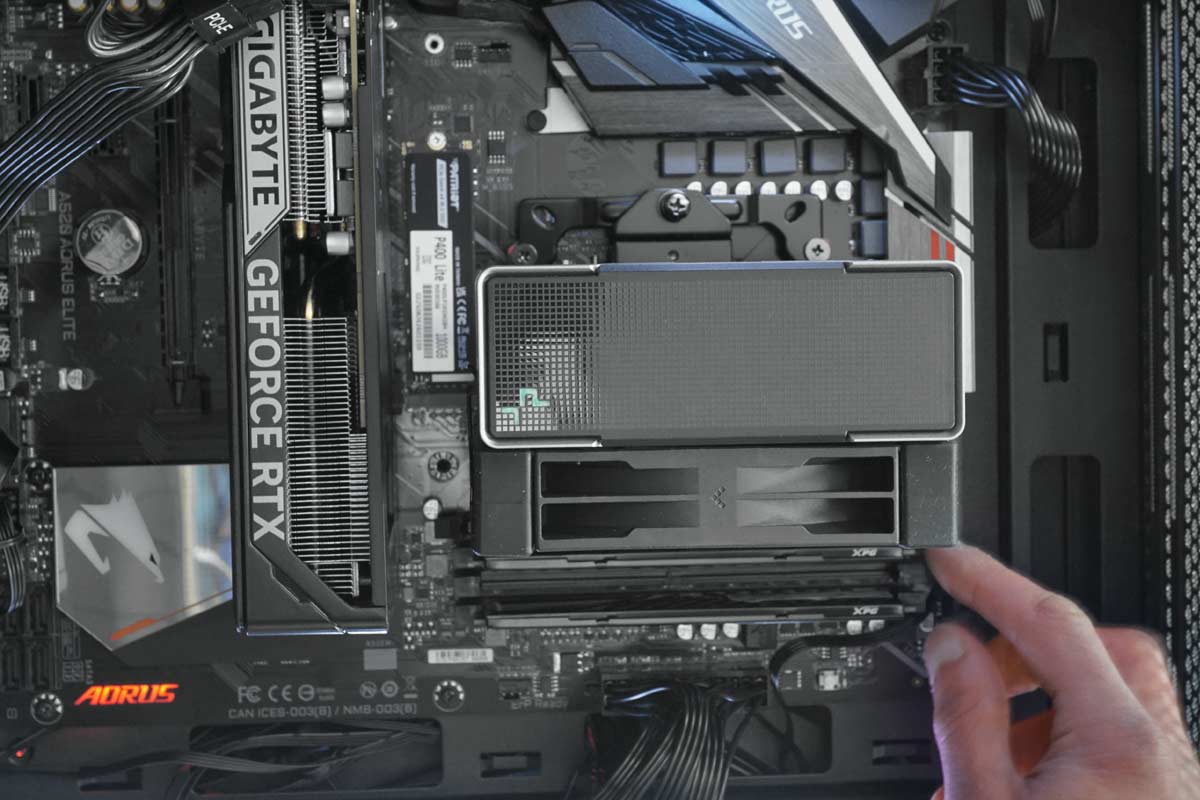
Plus, there’s already too much electronic waste ending up in landfills. When you upgrade your RAM instead of replacing your entire machine, you’re keeping a perfectly good computer out of the skip. One memory upgrade can extend your computer’s useful life by years.
With a memory upgrade, you switch your computer off, we do our bit, and when you switch it back on, everything’s exactly where you left it. Same desktop wallpaper, same browser tabs you never got round to closing, same everything- just faster.
Clear Signs Your Computer Needs More RAM
Your computer’s got a funny way of telling you it’s struggling- it doesn’t send you a polite email. Instead, it just starts acting like a stroppy teenager, getting slower and more uncooperative by the day.
Performance warning signs
The most obvious giveaway is when your computer takes longer to wake up than you do on a Monday morning. If you’re clicking the power button and then having time to make a brew while it slowly grinds through its startup routine, that’s your first red flag.
Then there’s the freezing. You’re halfway through typing an important document when suddenly everything stops responding. That’s usually your computer running out of memory to juggle all the tasks you’ve given it. Random crashes are another dead giveaway – if this happens more than once in a blue moon, your RAM is probably crying for help.
Task-specific struggles
You try to have a few browser tabs open while running Word and maybe Spotify in the background – perfectly reasonable stuff – and your computer starts having a proper meltdown. Everything slows to a crawl, and switching between programs becomes an exercise in patience.
Students know this pain well. Try running Photoshop or AutoCAD with anything else open and you might as well go have lunch while your computer sorts itself out. For gamers, insufficient RAM shows up as stuttering, long loading times, and that horrible lag when you’re trying to stream or record gameplay.
When upgrades won’t help
Memory upgrades aren’t magic. If your computer’s from the Windows XP era, no amount of RAM is going to turn it into a modern powerhouse. Also, if your computer’s running hot enough to fry an egg or making grinding noises that sound like a cement mixer, you’ve probably got bigger problems than just insufficient memory.
Sometimes your computer might have malware or just have too much rubbish installed and running in the background. Not sure which it might be? Don’t worry- we can help diagnose whether you need a RAM upgrade or whether these are the problem.
Computer too slow? Drap it in and we’ll check if a RAM upgrade will sort it. Nae appointment needed.
Call UsOur Professional Memory Upgrade Process in Dundee
You could try doing it yourself- there are plenty of YouTube videos that make it look dead easy. But here’s the thing: one wrong move and you could end up with a very expensive paperweight. That’s where we come in.
Consultation and compatibility assessment
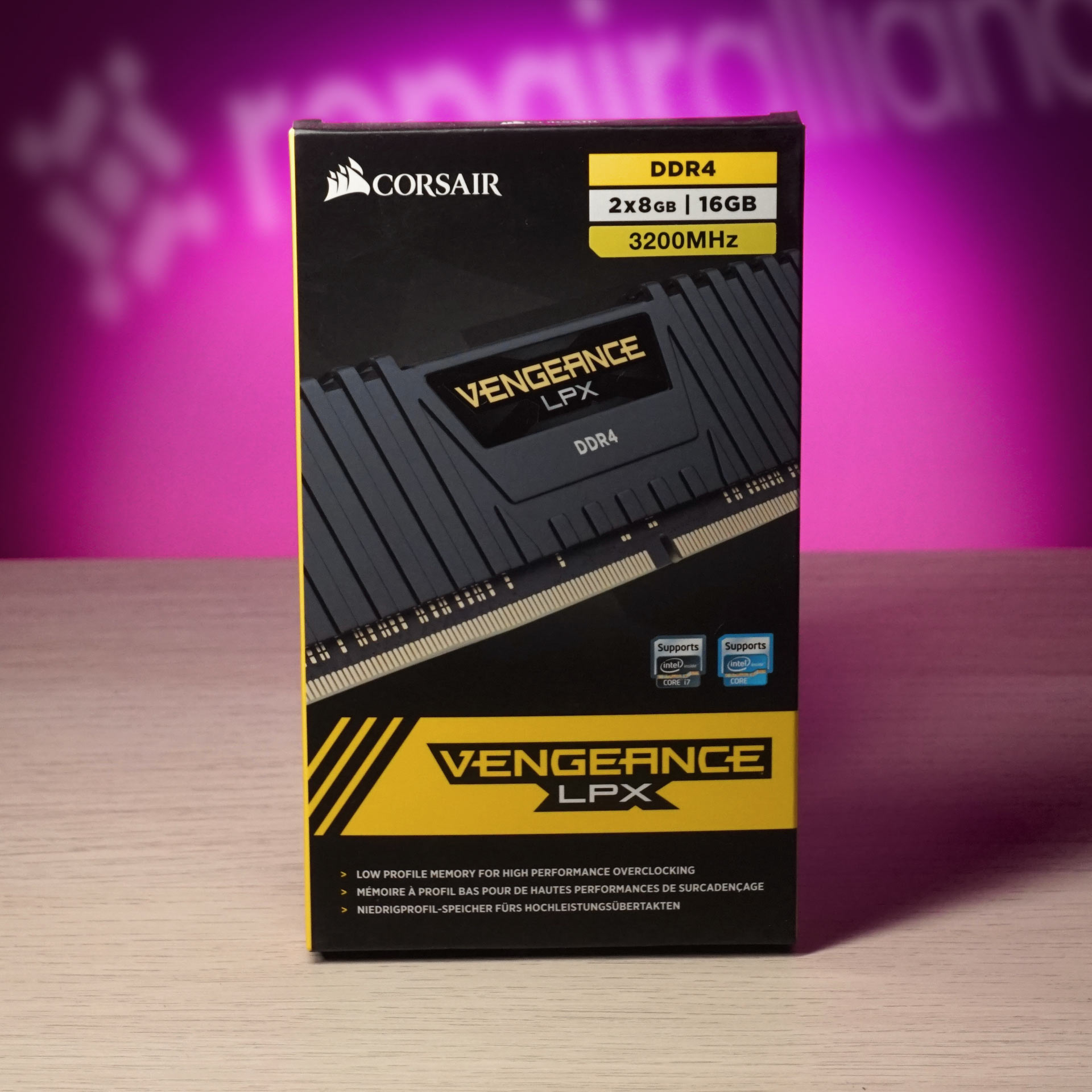
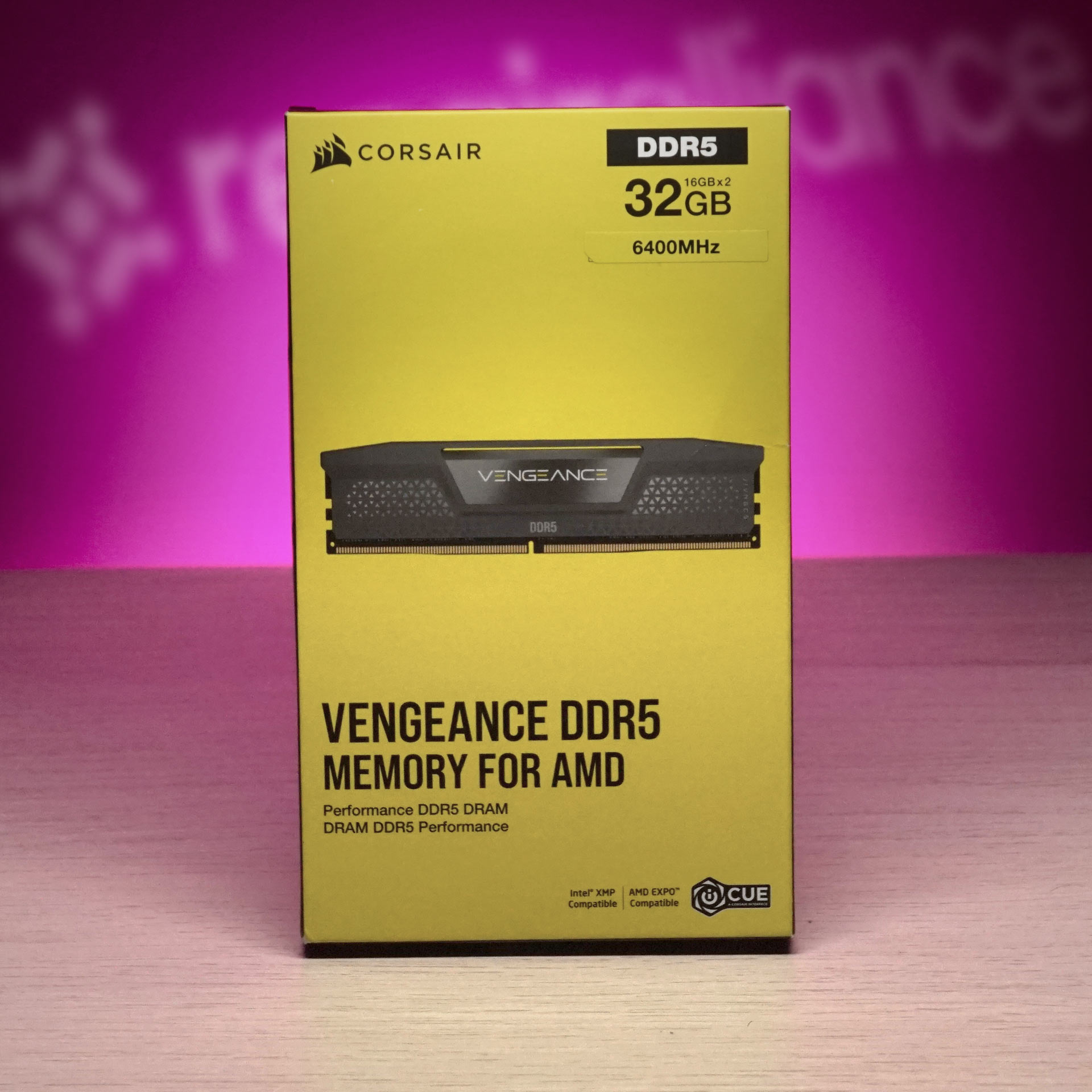
Not all memory is created equal, and not all computers can take any old RAM stick you fancy. You can’t shove DDR5 into a machine that takes DDR4- nor vice versa- you can’t shove a DIMM in a SODIMM slot and you sometimes have to worry about compatibility, BIOS/UEFI RAM clock speed settings… and so on and so on, you get the idea. If you don’t want to have to worry about all that, we’ll take care of it for you.
We start by having a proper look at your machine to work out exactly what type of memory it needs and whether it’s actually worth upgrading. Sometimes it isn’t and we’ll be honest and tell you straight if that’s the case.
Some laptops have their memory soldered directly to the motherboard- there’s no upgrading those. (Many Apple MacBook models fall into this category). We’ll tell you straight if your computer’s not suitable for an upgrade, rather than taking your money and wasting your time.
Quality RAM sourcing and installation
We don’t just grab whatever memory’s cheapest on the internet. We work with suppliers who provide reliable, tested RAM that’s going to last. We make sure the new RAM matches your computer’s specifications perfectly – the right speed, the right voltage, the right capacity. Installing RAM might look straightforward, but there’s more to it than just shoving a stick of memory into a slot. We handle the whole process properly and run tests to make sure everything’s working as it should.
Post-upgrade optimisation
Getting the hardware sorted is only half the job. We also tidy up your system to make sure you’re getting the most out of that shiny new memory. That might mean adjusting settings, cleaning up startup programs, or sorting out any driver issues.
Want your computer running faster? Most RAM upgrades done same day for desktops. Gee’z a shout.
Call UsReal Performance Improvements You’ll Experience
This isn’t about impressive but abstract technical benchmarks- this is about the real difference you’ll notice when you’re using your computer day to day.
(We should be clear that the biggest improvements described below are usually seen when your computer came with a modest or inadequate amount of RAM in the first place- and where that is the main bottleneck in running newer, more demanding programs or an upgraded OS).
Startup and shutdown improvements
Remember those morning coffee breaks while your computer slowly came to life? After a memory upgrade, what used to take three or four minutes can often drops to under a minute. The same goes for shutting down – expect to spend less time looking at “Windows is shutting down” screens.
A wee design studio in the city centre brought in 3 office PCs that were taking 10 minutes to load AutoCAD. All had 4GB RAM – fine when they were new, but nowhere near enough now. We upgraded all three to 16GB. AutoCAD now loads in under 30 seconds. The owner said it was like getting 3 new computers for a fraction of the price.
Multitasking performance
Having multiple browser tabs open stops being a risky game of “will this crash my computer?” You can actually have Word, Excel, and a web browser running at the same time without everything grinding to a halt. Switching between programs becomes instant instead of that awkward pause where you wait to see if your computer’s going to respond.
Benefits for different users
- Students: Heavy design programs like AutoCAD and Photoshop become actually usable. You can have research browser tabs open while working on assignments without everything falling over.
- Professionals: Running business software alongside email and web browsers becomes manageable again. Video calls stop being a lottery where you hope your computer doesn’t freeze mid-conversation.
- Gamers: Loading times improve dramatically, and you can stream or record gameplay without turning your game into a slideshow.
Memory Upgrade Options for Different Computer Types
Laptop upgrades
Laptops are a mixed bag when it comes to memory upgrades. Some are dead easy to upgrade, others are built like Fort Knox with everything soldered to the motherboard. Modern ultrabooks are particularly tricky – if you’ve got one of those sleek, lightweight laptops, there’s a good chance the memory’s permanently attached.
For laptops that can be upgraded, you need to be careful about what type of memory you use. Laptop RAM is smaller than desktop RAM, and the speed and voltage need to match exactly.
Desktop PC expansion
Desktop computers are generally much more forgiving. Most have multiple slots for RAM, so you can often add more memory without removing what’s already there. Gaming desktops and workstations often have four or even eight memory slots, giving you loads of room for expansion.
Gaming rigs
Gaming computers benefit massively from memory upgrades, but the speed of the memory matters as much as the amount. Faster RAM can improve frame rates and reduce loading times. Many CPUs and motherboard chipsets can support RAM rated- and running- at higher than the generally cautious “safe” speed if it’s of good quality and one doesn’t push it too far. It generally helps to know what you’re doing when it comes to pushing performance like this however, which is where we can help out!
Business systems
Business computers often come with minimal memory to keep costs down. Sometimes they just about get away with this when new, but struggle once more software has been installed. Or it becomes a problem later on when the already barely-adequate RAM can’t meet the increased memory requirements of newer software.
A quick upgrade can transform a sluggish work machine into something that actually keeps up with modern software demands.