

Computer Power Supply Repair Dundee
Computer completely dead? No’ switching on at all? Before you panic about buying a new machine, it’s probably the power supply. PSU failure is the single biggest cause of computers going completely dead – and it’s one of the most affordable fixes. We diagnose and replace power supplies at our Perth Road workshop, often same day for desktops.
 Google Reviews


It’s not great when your computer dies halfway through an online gaming session, even less so when you’re working on something important for work, university or whatever else. No warning, no goodbye message, just complete silence and no sign of activity.
Before you panic about having to fork out hundreds- or, in many cases, thousands- for a new machine, take a deep breath. When a computer goes completely dead like this, the single biggest cause by far is that the power supply unit (PSU) has given up the ghost.
Repair Alliance Dundee is owned and run by local people who have been in the repair business for over twenty years in some cases. In short, we have plenty of experience of dealing with computer power supply repairs and replacements.
It doesn’t matter whether you’re a student at Dundee University- or Abertay, or Dundee and Angus College- frantically trying to save that end-of-term report, a small business owner who can’t afford the downtime, or someone whose gaming rig has just given up the ghost… we get it. A dead computer is a huge obstacle stopping you from doing whatever you need to do.
On this page, we’ll go over the telltale signs that your power supply’s on its way out, why they fail anyway, and how we can get your machine going again without breaking the bank. Don’t let a dodgy PSU keep you offline any longer than it has to.
Signs Your Computer Power Supply Is Failing
How do you know if your power supply’s actually the culprit when your computer starts playing up? We’ve had folks come in convinced their whole machine’s broken, only to find it’s only the PSU that’s not working.
Desktop PC Won’t Turn On At All
You press the power button and… nothing at all. No lights, no fans spinning, no beeps- just dead silence. Your monitor might be getting power (you’ll see its little standby light), but your computer’s main PC tower or desktopcase is completely lifeless. Sometimes you might get a tiny flicker when you first press the button- that’s your power supply trying its best but not having enough juice.
A local accountancy firm brought in their main office PC – stone dead, middle of tax season. They were convinced the whole machine was finished. Turned out to be a failed power supply. We had a replacement in stock, fitted it that afternoon, and they were back processing returns by close of business. Total cost was a fraction of a new machine.
Laptop Not Charging or Powering On
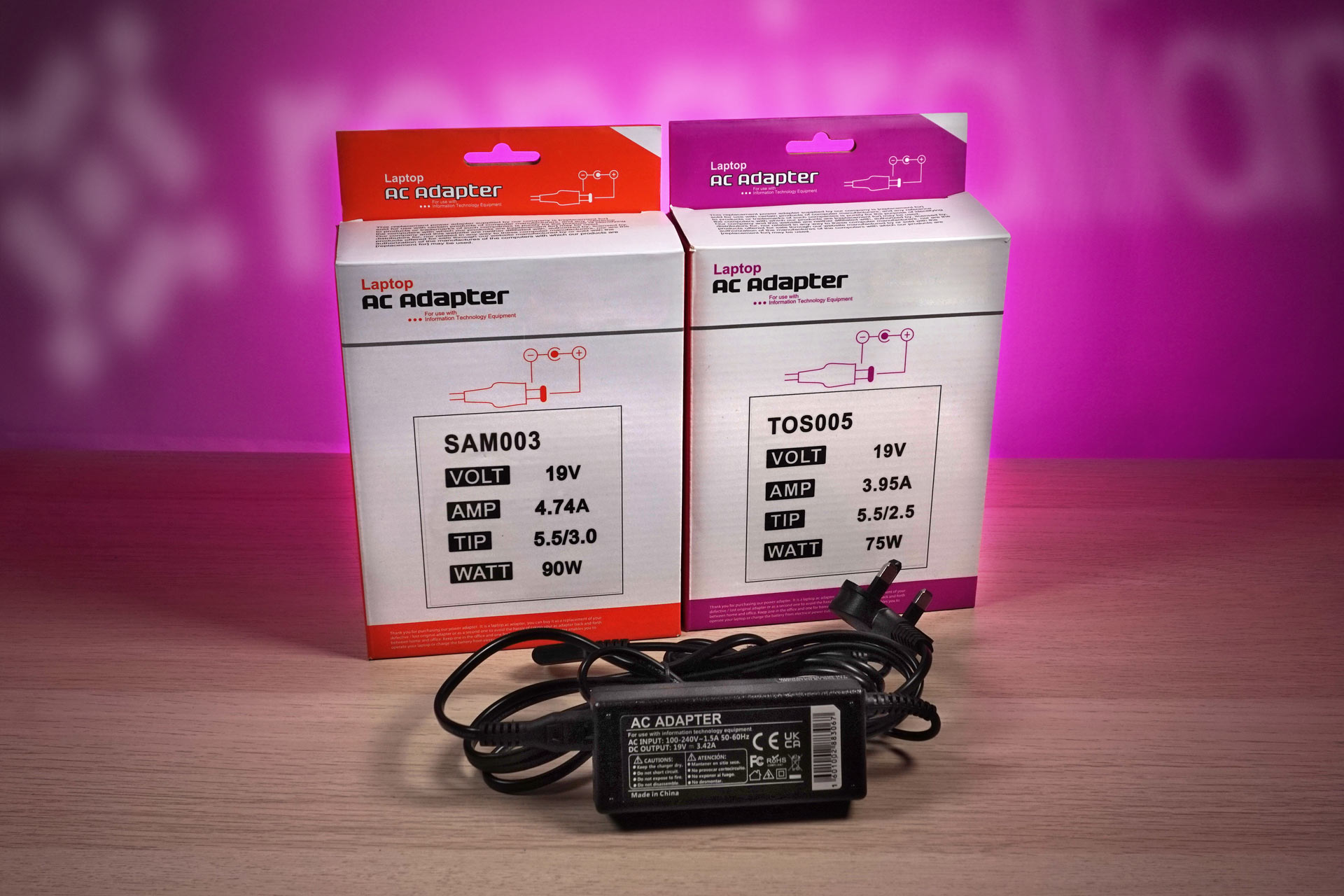
For laptops, power supply problems usually start with charging issues. Your battery might be completely flat, and when you plug in the charger, nothing happens. No charging light, no sign of life. Sometimes the charger gets hot but your laptop stays stubbornly unresponsive.
MacBook Power Issues and Charging Problems
MacBooks can be particularly sneaky with power problems. You might see the charging light come on, but the battery percentage never moves. Some MacBooks will only work when plugged in, dying instantly when you unplug them. Apple’s power management is complex, so when something goes wrong, it can cause weird behaviour.
We have years of experience with Apple MacBooks (including the MacBook Pro and MacBook Air) so we know what to look for when diagnosing a power supply problem there.
Random Shutdowns and Restarts
Your computer starts up fine, works for a bit, then suddenly shuts down without warning. No blue screen, no error message- it just turns off abruptly. This usually happens when your PSU can’t keep up with demand, especially during a gaming session or video editing, two activities well-known for being power hungry.
Strange Noises and Burning Smells
If you hear crackling, buzzing, or high-pitched whining from your computer, that’s not normal. (You probably don’t need us to tell you that). And if you smell anything burning- switch it off right now and unplug it. PSU components can fail in ways that create heat and nasty smells. Safety first, always.
Computer completely dead? Dinnae try to fix PSU problems yourself – mains voltage is dangerous. Drap it in.
Call UsDust and Overheating
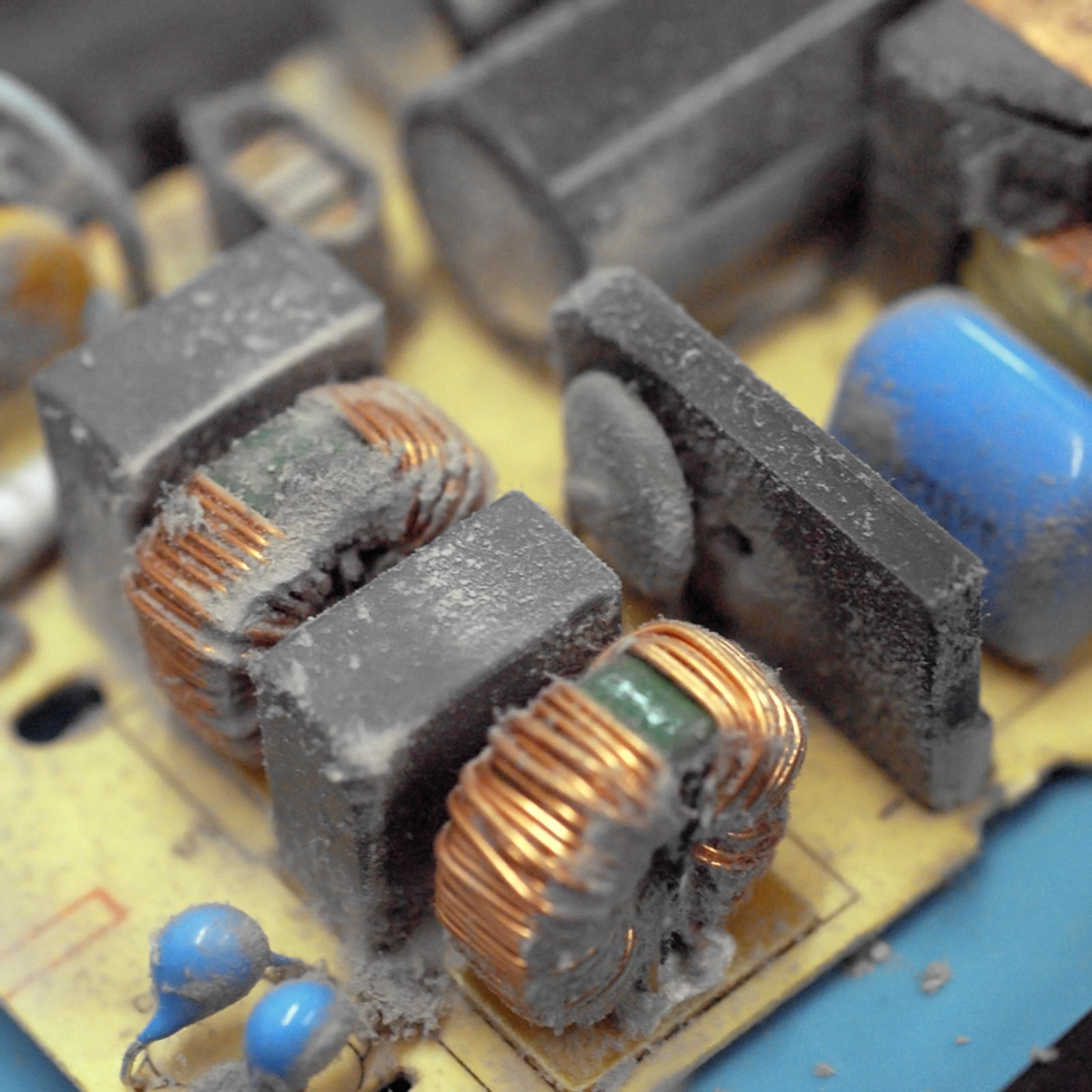
Dust builds up inside computers, coating PSU fans and clogging vents. When PSUs can’t cool properly, components overheat and fail prematurely. As our lead technician noted, half the power supply failures we see could have been prevented with compressed air and five minutes of cleaning every few months.
However, you should never stick anything- not even spray nozzles- inside the power supply itself. These are devices carrying mains voltages that can kill. And you should never squirt in anything other than air. If you’re uncomfortable doing this, and it looks like your PSU is clogged or the fan isn’t working properly, we can help with that.
“When a computer goes completely dead like this, the single biggest cause by far is that the power supply unit has given up the ghost.”
“We’ve had folks come in convinced their whole machine’s broken, only to find it’s only the PSU that’s not working.”
Professional Power Supply Diagnosis in Dundee
While it might be tempting to diagnose power problems yourself, there’s a reason we see so many DIY attempts gone wrong. Power supply diagnosis involves working with mains electricity and sensitive components.
Our Testing Process
When you bring your machine to our Perth Road workshop, we use proper PSU testers that check each voltage rail individually. We test under load conditions and check all power connections. For laptops, we test chargers for proper amperage delivery and assess internal charging circuits. MacBooks often need specialist diagnostic tools.
Why DIY Can Be Dangerous
Power supplies store electrical charge even when unplugged. We’ve seen customers bring in machines with damaged motherboards, fried components, or worse after DIY attempts.
“Proper diagnosis saves time, money, and potentially your safety.”
We regularly see folks who’ve spent weekends buying new parts that don’t fix the actual problem- then we find the real issue in twenty minutes!
Proper diagnosis saves time, money, and potentially your safety. We’ve got the tools, training, and experience to pinpoint power problems quickly and know when a problem isn’t the PSU at all.
Power Supply Repair vs Replacement Options
This is where we can save you serious money, because the computer industry loves convincing you that “ending is better than mending” and fixing things isn’t worth it.
Desktop PSU Repair vs New Computer
When your desktop or tower PC’s PSU fails, you don’t usually need a new computer. A replacement PSU is significantly cheaper than buying a whole new machine. Even eight-year-old machines can get a new lease of life with a simple PSU swap. Your processor, RAM, and storage don’t wear out like power supplies do.
“Repairing rather than replacing is massively better for the environment.”
Laptop and MacBook Repairs
Laptop power repairs are often more cost-effective than people think. We’ve repaired power issues on 5-6 year old laptops, giving them another 2-3 years of useful life. For MacBooks, our repairs typically represent substantial savings compared to Apple Store costs or buying new.
Environmental Benefits
Repairing rather than replacing is massively better for the environment. Manufacturing a new computer produces significant CO2 emissions and uses rare earth metals. When you repair a power supply, you’re preventing a perfectly good computer from ending up in landfill.
Our Power Supply Repair Process in Dundee
We’ve streamlined everything to get you back up and running quickly.
Same-Day Service
When you bring your machine to our Perth Road workshop, we aim for diagnosis within the first hour. For straightforward desktop PSU replacements, we can often complete repairs the same day. Laptops typically take 24 to 48 hours, while MacBooks depend on the specific issue.
Quality Parts and Testing
We don’t use cheap knock-off parts that’ll fail again in six months. We stock reliable brands for desktops, genuine or high-quality compatible chargers for laptops, and genuine Apple parts where possible for MacBooks.
Once repairs are complete, we don’t just check that your machine turns on- we run proper stress tests and verify all power-related functions work correctly.
Need your computer back fast? Desktop PSU replacements often done same day. Gee’z a shout.
Call UsPreventing Future Power Supply Problems
A bit of preventive maintenance can add years to your power supply’s life.
Desktop PC Care
Clean dust from vents every few months using compressed air. Pay attention to the PSU fan vent at the back of your computer. Use surge protection- even though Scotland in general isn’t too bad for this sort of thing, it can still be an issue, especially outside the big cities where power cuts and spikes can be more common.
Laptop and MacBook Care
Avoid cable stress where cables join connectors. Don’t use laptops on soft surfaces that block vents. For MacBooks, disconnect chargers properly and keep charging ports clean.
When to Consider Upgrades
Watch for warning signs: fans running louder, unexpected shutdowns during demanding tasks, or charging taking longer than usual. These can indicate your power system is under stress.